
Relations
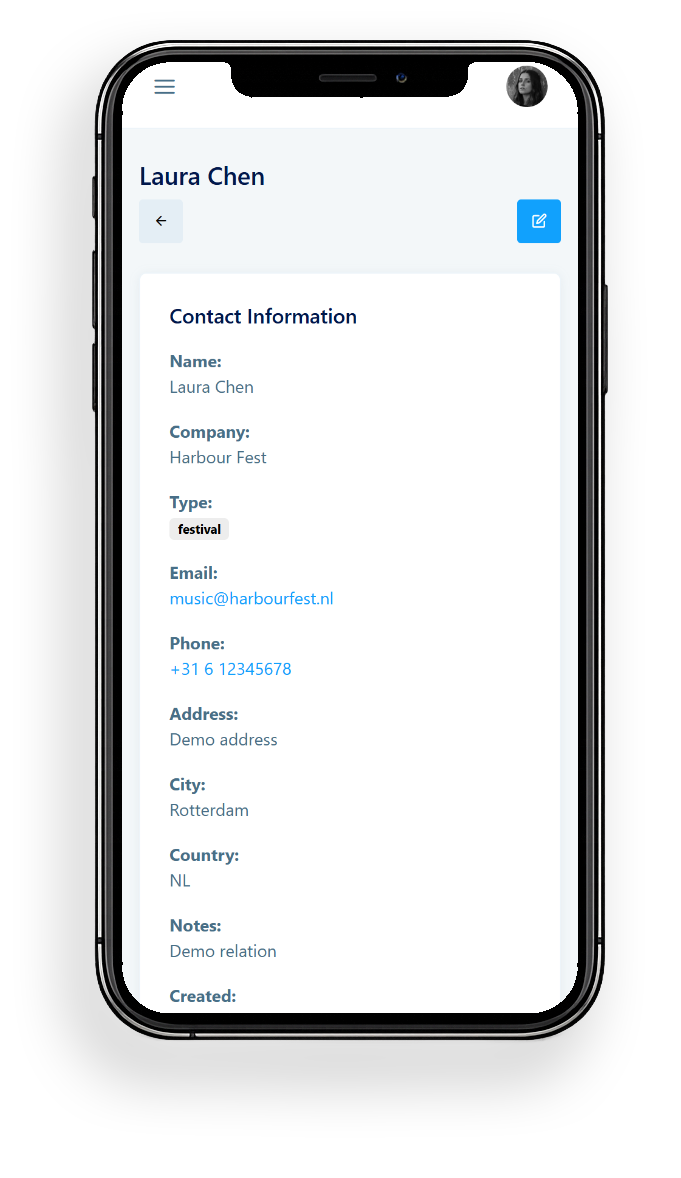
Venues, bookers, sound engineers, other bands. The loading dock number sits on the contact, not in an old email.

What it does
Store all your contacts
Venues, promotors, bookers, suppliers, anyone the band deals with. You can search them.
Link contacts to gigs
Attach a venue or booker to a gig directly. Their details are right there when you need them on the day.
See the full history
From a contact's page, see every gig you've played or are planning with them. Useful for venues, booking agents, and repeat clients.
Notes per contact
Who to call, what they expect, a quirk of the venue, payment terms. The notes stay inside the band.
Quick access everywhere
Relations are linked throughout the app. Wherever you need a contact, they're already there.
How it works
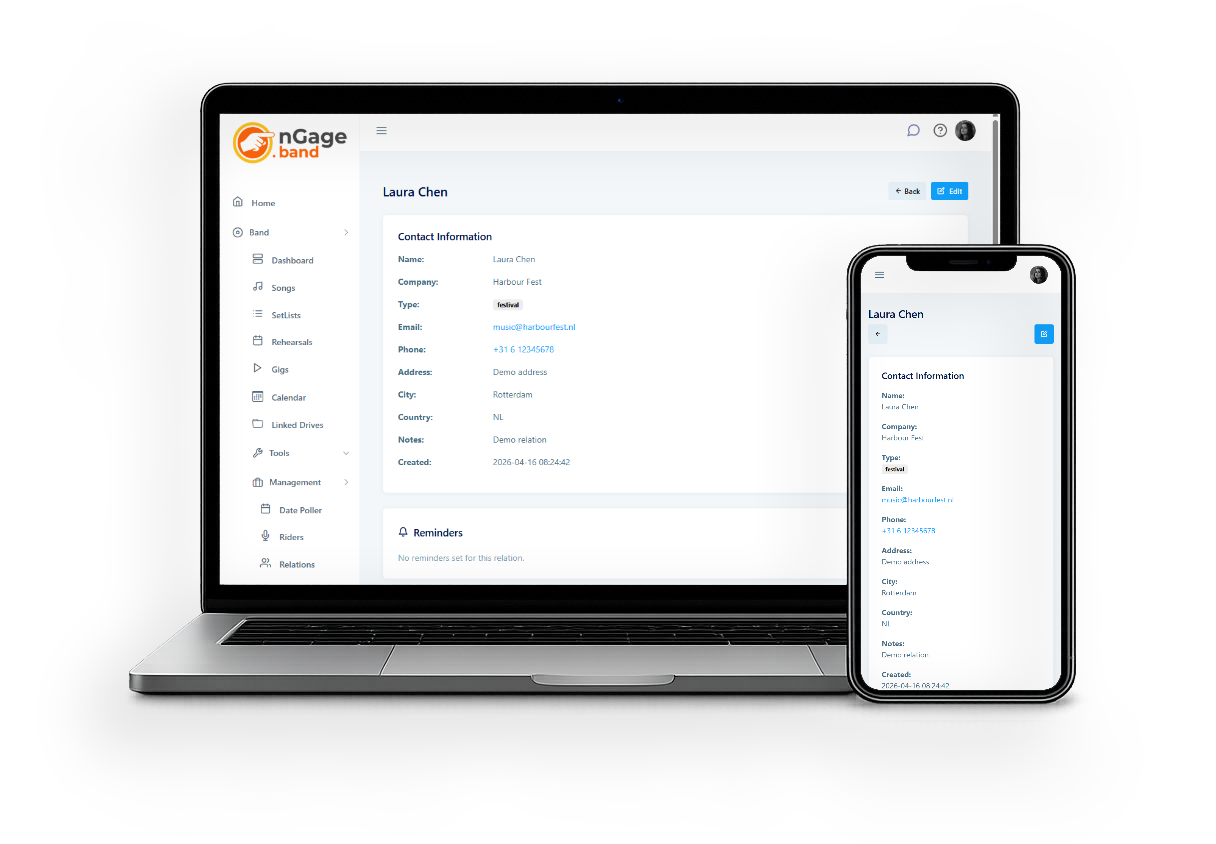
- Add a contact: name, type, and their details.
- Link them to a gig, or let the gig link back to them.
- Access their info directly from any gig or rehearsal page.
- Add notes to capture anything useful about working with them.
Contact types
Categorise contacts as venues, bookers, promotors, suppliers, other bands, or any custom type. Makes filtering and finding them faster as your list grows.
Two-way linking
Link a relation to a gig and that gig also appears in the relation's overview. Open the venue and you see the gigs. Open the gig and you see the venue. Useful when you want to know how often you have played there, or how often you work with a promotor.
Notes
Add private band notes to any relation. For example, "always confirm in writing" or "contact John, not Patricia". The sort of thing that otherwise stays in one person's head.
Ready to get your band organised?
Try nGage.band free for 30 days. Every feature included, for your whole band.