
Newsletters
Keep your fans and bookers in the loop. No third-party tools needed.
New gig dates, a new recording, a change of lineup. Your audience and contacts want to hear from you. nGage.band includes a newsletter module so you can manage subscriber lists and send campaigns without leaving the app.

What it does
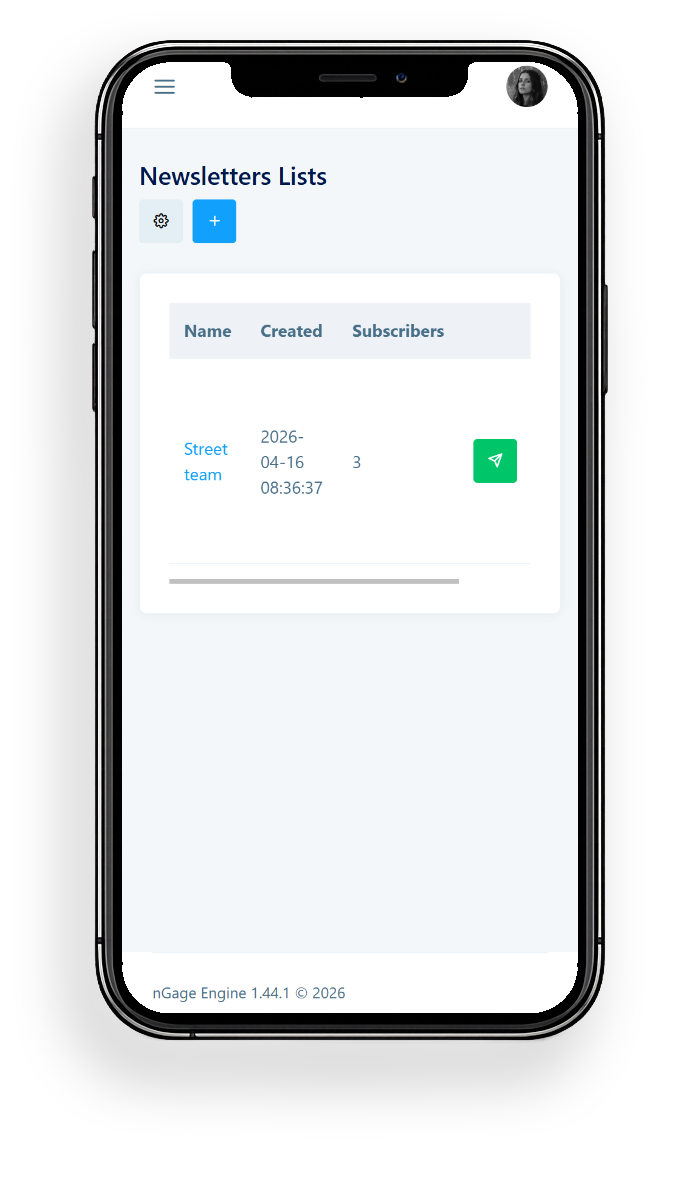
Manage subscriber lists
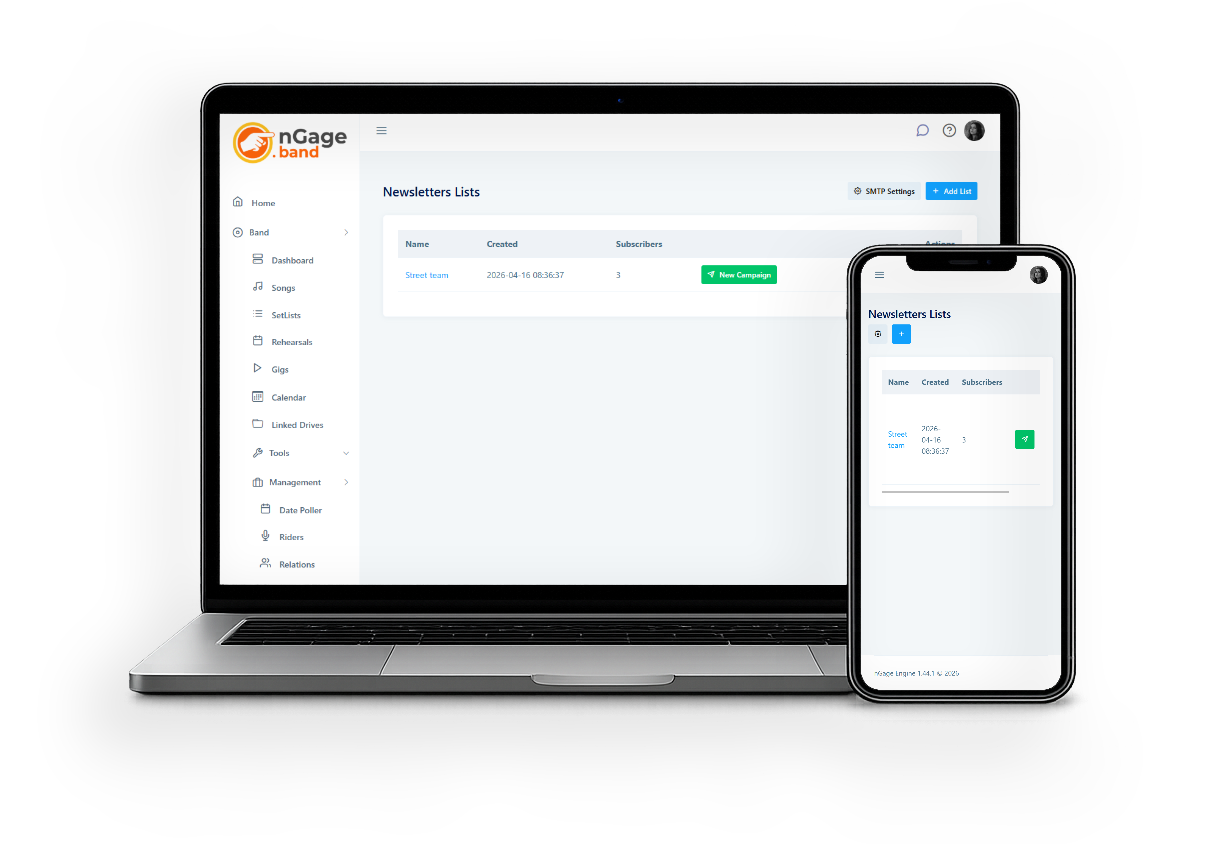
Create lists for different audiences, fans, venues, press. Add subscribers manually, or add Relations directly from their contact page.
Create and send campaigns
Write your newsletter, set the subject line, and send it. HTML content is supported for formatted emails.
Personalisation
Use variables like {name} and {email} in your campaigns to personalise emails for each recipient.
Automatic unsubscribe handling
Unsubscribe links are added to every email automatically. The system handles removals without any manual work.
Use your own email provider
Connect any SMTP-compatible email service, Gmail, Outlook, SendGrid, Mailgun. Your emails come from your own domain.
How it works
- Configure your SMTP in band settings, any SMTP-compatible provider works.
- Create a subscriber list and add contacts.
- Create a campaign: subject, content, sender name.
- Send immediately or queue it.
- Unsubscribes are handled automatically.
Subscriber lists
Create multiple lists for different audiences. Add subscribers manually, or pull in contacts from your Relations module, useful for venues and bookers who already have a profile in your band.
Sign up forms
Every newslettter you create has its own public sign-up form that you can enable or disable. Just point your fans to the right URL and have them sign up.
You can also copy-paste a bit of code to your site and show the form inside your own webpages!
Campaigns
Campaigns support HTML content for formatted, professional-looking emails. Use variables ({name}, {email}) to personalise. Send a test email first to check how it looks before it goes out.
SMTP sending
You bring your own SMTP provider, Gmail, SendGrid, Mailgun, or any other. Configure host, port, credentials, and sender details once. Test the connection before your first send. Multiple SMTP accounts per band are supported.
Email Queue
The newsletters are sent from your own email address. The e-mails are put in a queue and sent in batches of about 10 e-mails per sending round, to make sure you don't exceed the mail limits your provider sets.
This means the delivery times may vary a little. Very large lists could take up to a few hours to send.
If you want to instantly deliver e-mails to your subscribers, you will still have to pay for a service like mailchimp. But if you're not in a hurry, our newsletter system will do just fine.
Our advice: take it easy, use nGage.band!
Ready to get your band organised?
Try nGage.band free for 30 days, every feature included, for your whole band.