Artist Page
A basic web page for your band
The page fills itself from what you already put in nGage.band. An extra page on the web, with a link to your own site. Search engines like that.
The page also contains a press kit and your rider as mobile view and PDF download.
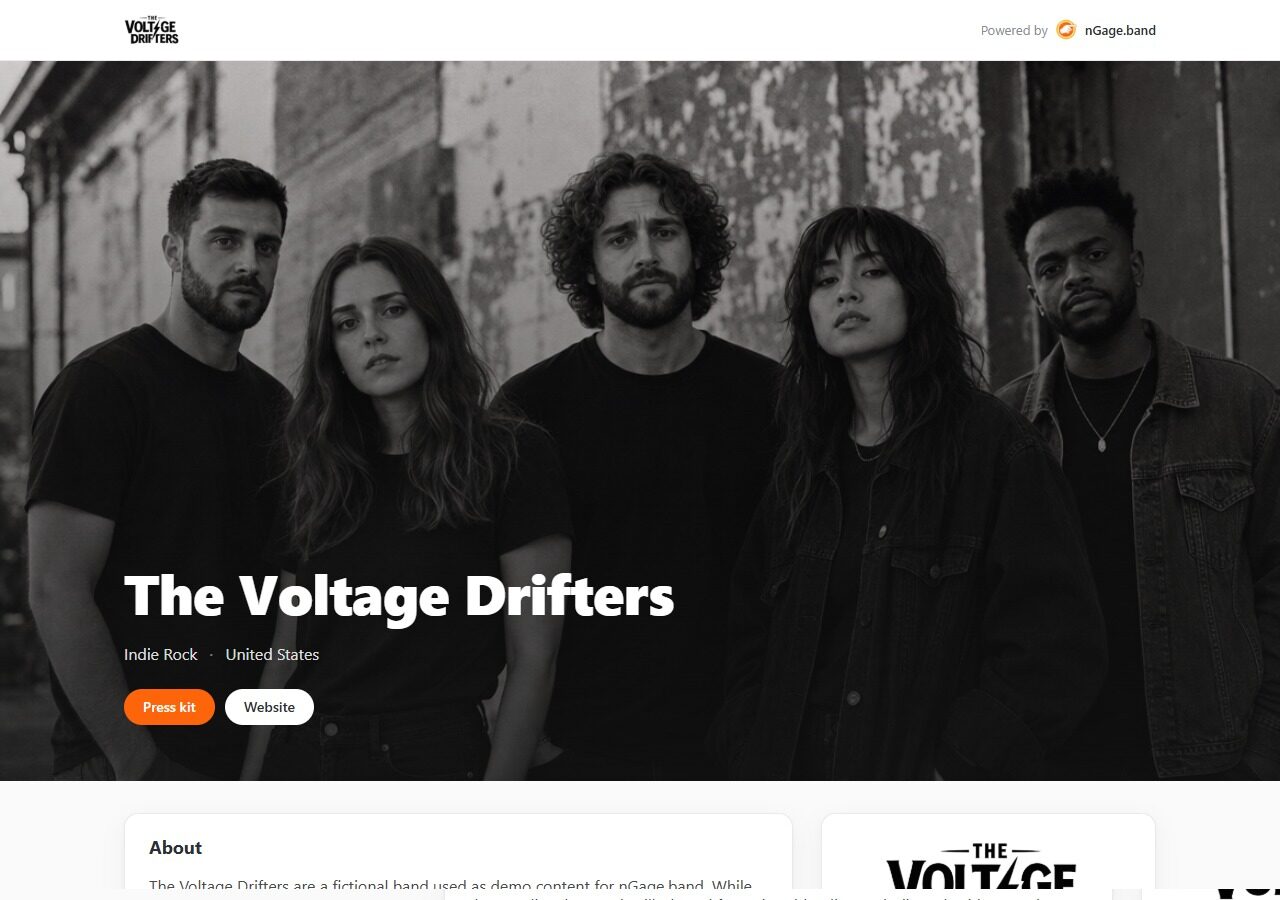
Check the demo artist page of The Voltage Drifters
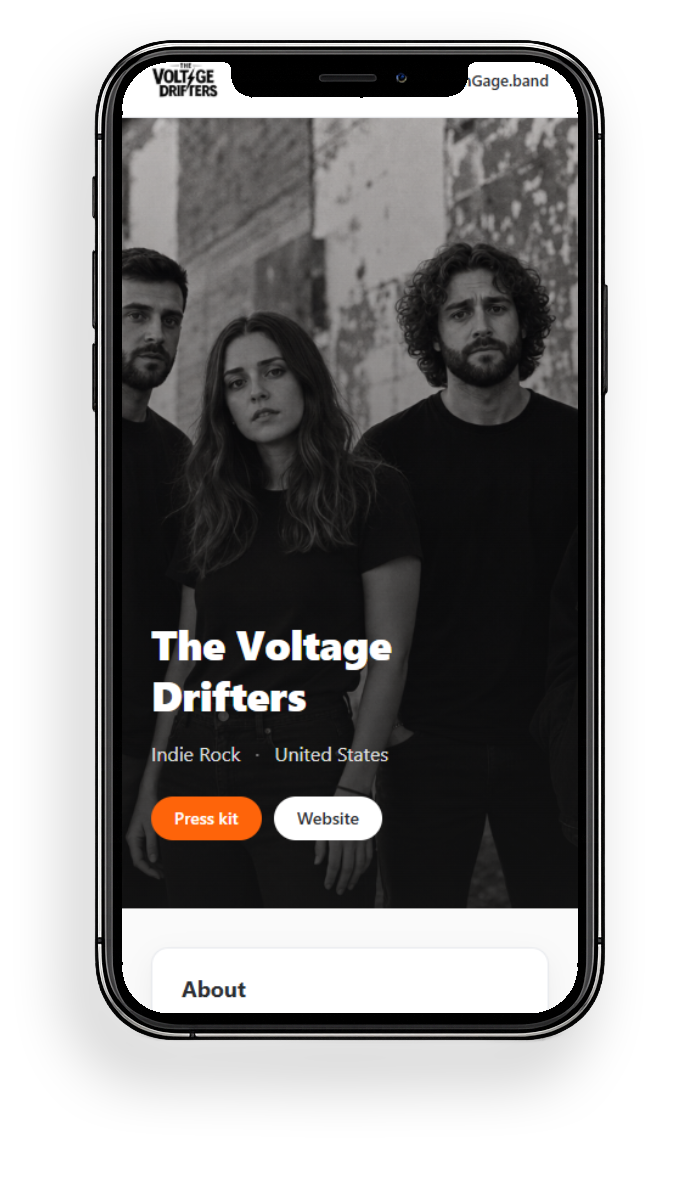
What it does
Who you are
Where you play, and how to book you.
Full control
You can disable the whole artist page, or parts of it, if you want to. Leave it on if you can. Another page with your name on it helps people find the band.
Press kit
Fill in the band profile and the press kit builds itself: photos in the sizes people ask for, logos, a short bio and a long one. Anyone who needs it can have the public link.
Rider
The artist page links to the rider. That page works on a phone, and they can still download the PDF.
Demo tracks
In the songs module you can mark some of your recordings or uploaded audio as demo track. These tracks will appear in your artist page.
How it works
- Fill out your band profile
- Select which items on your artist page you want to show
- Fill out your rider
- Select some song recordings or file uploads as demo track
- Your Artist Page will be available automatically
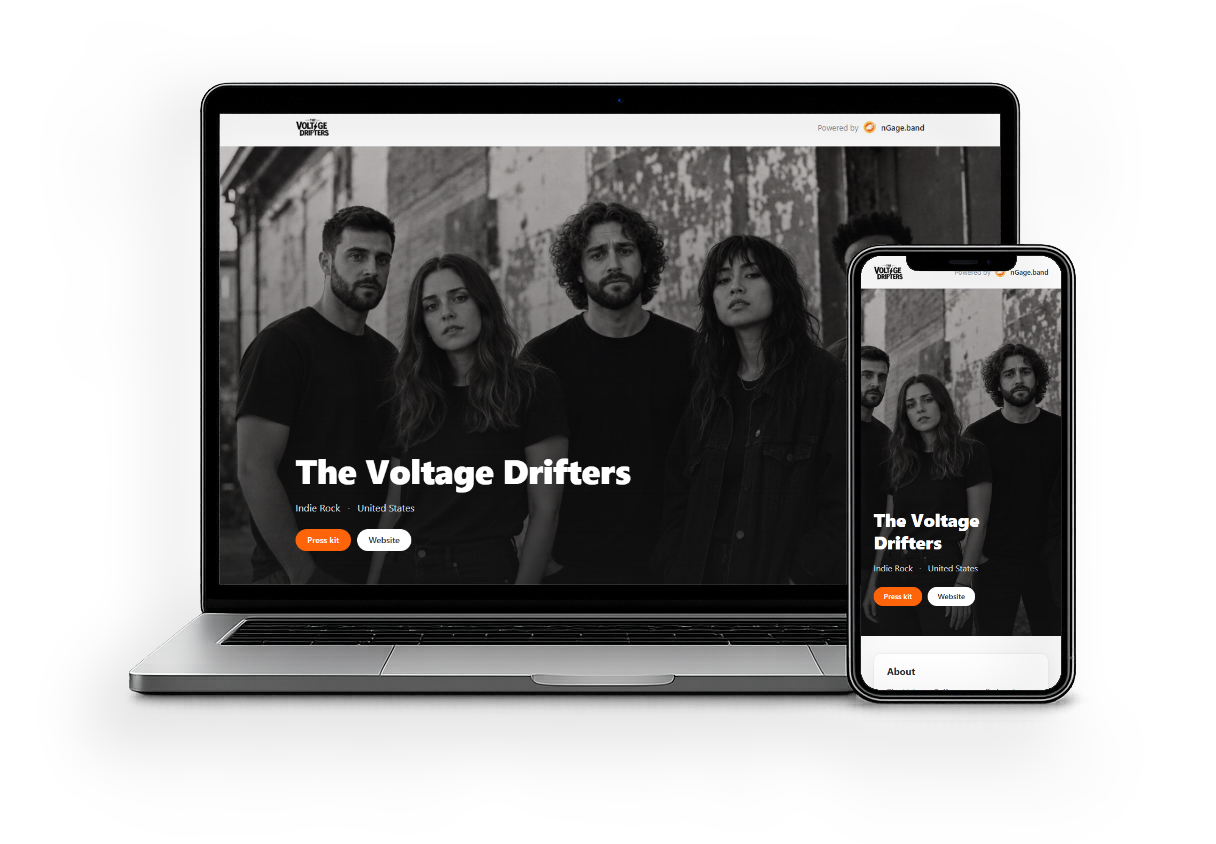
Rider Sharing
Send your public link to anyone who needs it, they will be able to view and download the latest version of your rider any time they like
Presskit Sharing
Send a link to the press kit to anyone who needs it
Ready to get your band organised?
Try nGage.band free for 30 days. Every feature included, for your whole band.