
Gigs
From the first enquiry to load-out, the gig stays in one place. Status, venue, fee, and who is driving. The whole band can open it.

What it does
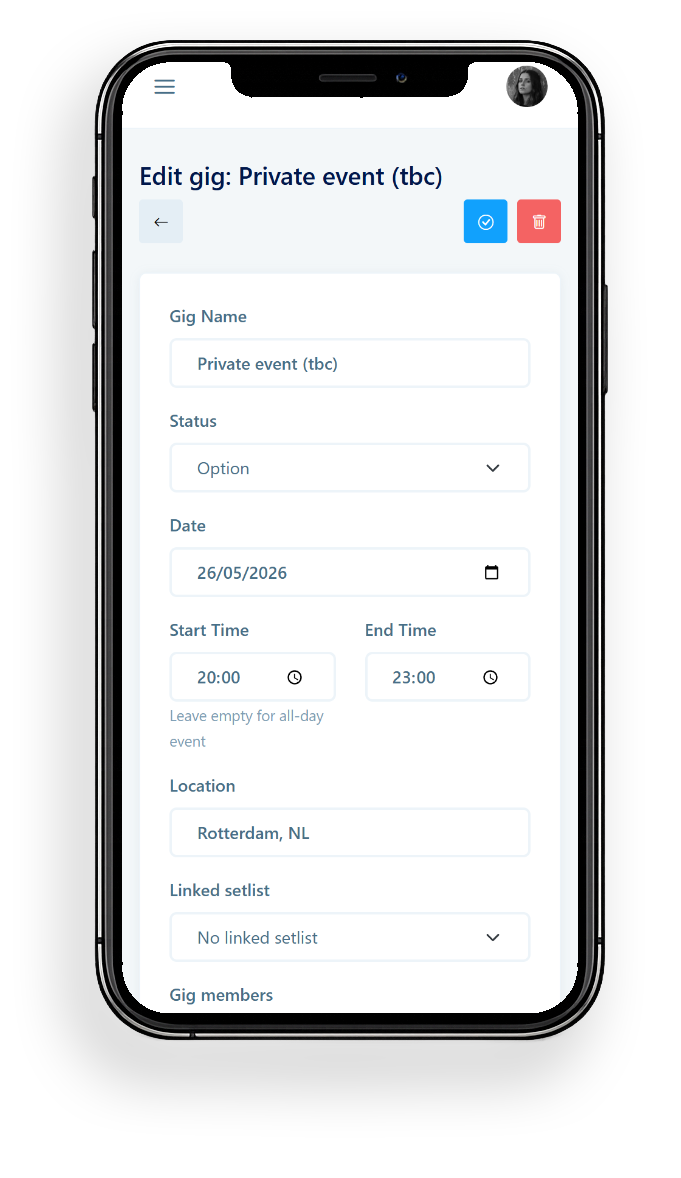
Track gig status
Potential, option, confirmed, or cancelled. The band can see which one it is.
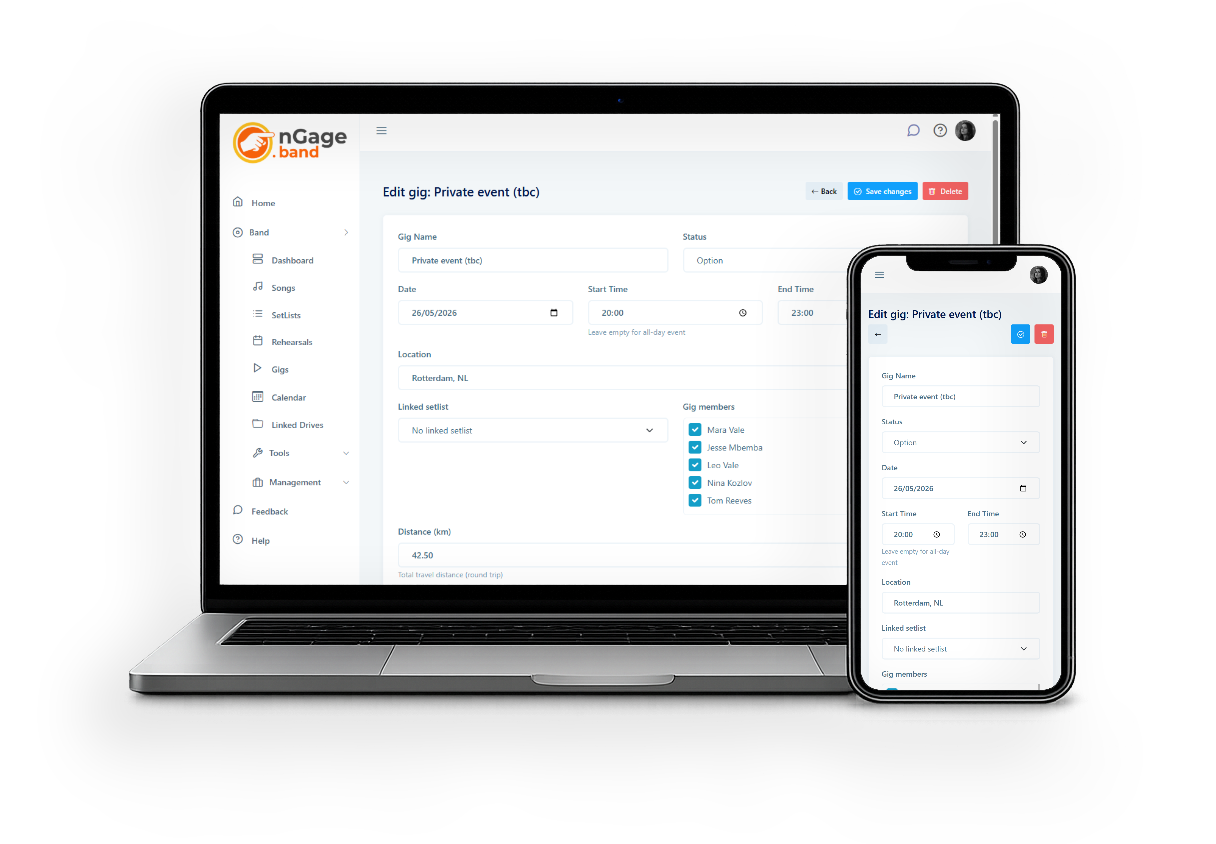
Store all the details
Date, time, location, notes and relations, where the whole band can open them.
Calculate travel costs automatically
Set up carpool groups with start addresses. nGage uses OpenRouteService to calculate the distance and the travel cost for that gig.
Link venues, bookers, and more
Connect multiple relations to a gig, each with their own role: venue, booker, festival, or booking agency. Their details are always one click away.
Financial overview
Log the performance fee, travel costs, VAT, and any extra items like accommodation or equipment rental. The financial card adds it up. Only people with permission can see it.
Straight into the calendar
All gigs appear in the band calendar automatically. Use the WordPress plugin to show confirmed gigs on your website too.
How it works
- Add a gig. Enter the date, location and status.
- Update the status as it develops: potential, option, confirmed, or cancelled.
- Link venues and bookers from your Relations, each with their own role.
- Open the distance calculator, select carpool groups, and let nGage calculate travel costs.
- Log the fee and any extras on the financial card. People without permission do not see the numbers.
Gig status
A gig moves through clear stages: potential, option, confirmed, cancelled. Update it when it changes. The band sees the current status.
Financial card
The financial card shows all costs related to a gig: the performance fee, travel costs, VAT (inclusive or exclusive), and any custom items you add. Totals are calculated automatically. Only band members with permission can see the financial card.
Travel cost calculation
Set up carpool groups in your band settings with start addresses and a cost per km. On any gig, open the distance calculator, select which groups and members are traveling, and nGage does the rest. You can also enter costs manually if needed.
Gigs on your website
Use the nGage WordPress plugin or a JavaScript widget to automatically display your upcoming gigs on your band website. Choose which statuses to show, confirmed or option, and the list updates itself.
Ready to get your band organised?
Try nGage.band free for 30 days. Every feature included, for your whole band.