
Setlists
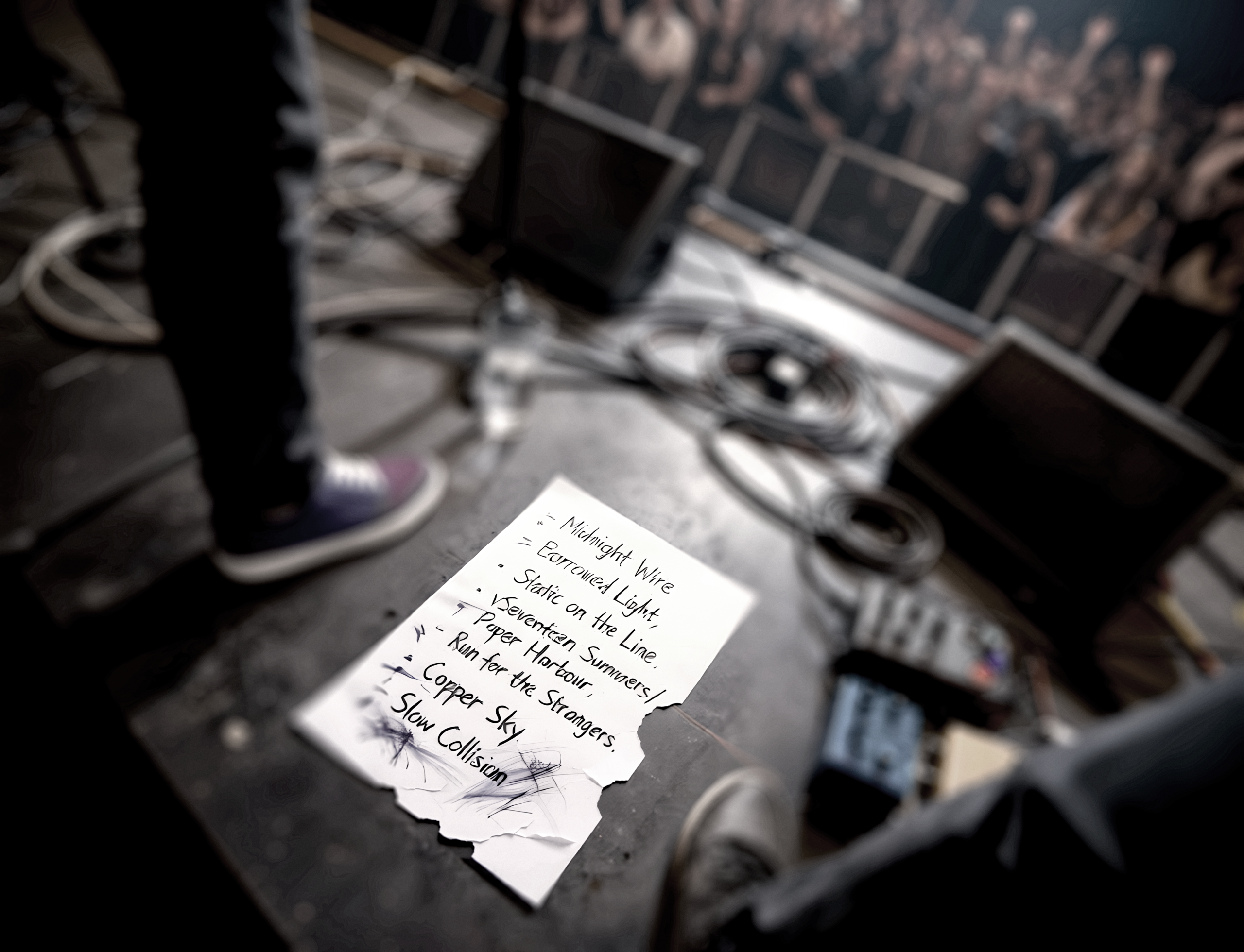
Build the set from the songs you already have. Change the order, then export it.
What it does
Build from your library
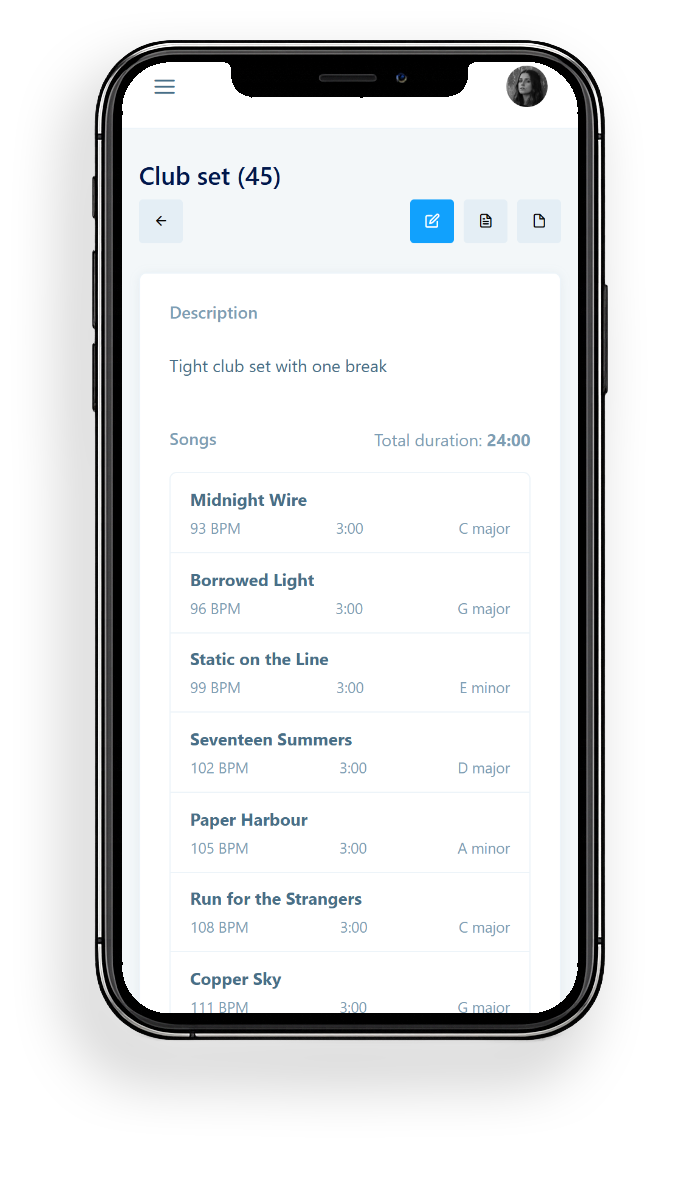
Click songs from your repertoire to add them. Key, tempo and duration come with them.
Drag and drop to reorder
Drag them until the order feels right.
Add breaks
Insert labelled breaks (interval, soundcheck, short break) between songs. They show up in the export too.
See duration at a glance
The total runtime updates as you build, so you can see whether it fits the slot.
Export with one click
Download the setlist as a PDF or a Word file, to print or to send on.
Play on stage
Open Play from a setlist and the charts go fullscreen. Turn the page with a swipe or the arrows; on a tablet you get two pages side by side. Change the key to transpose for your instrument.
Add notes
Attach rich text notes to a setlist for stage instructions, cues, or gig-specific reminders.
Duplicate setlists
Copy any setlist in one click. Handy for a seasonal variation, or when last month's set is a good start.
Flow Charts
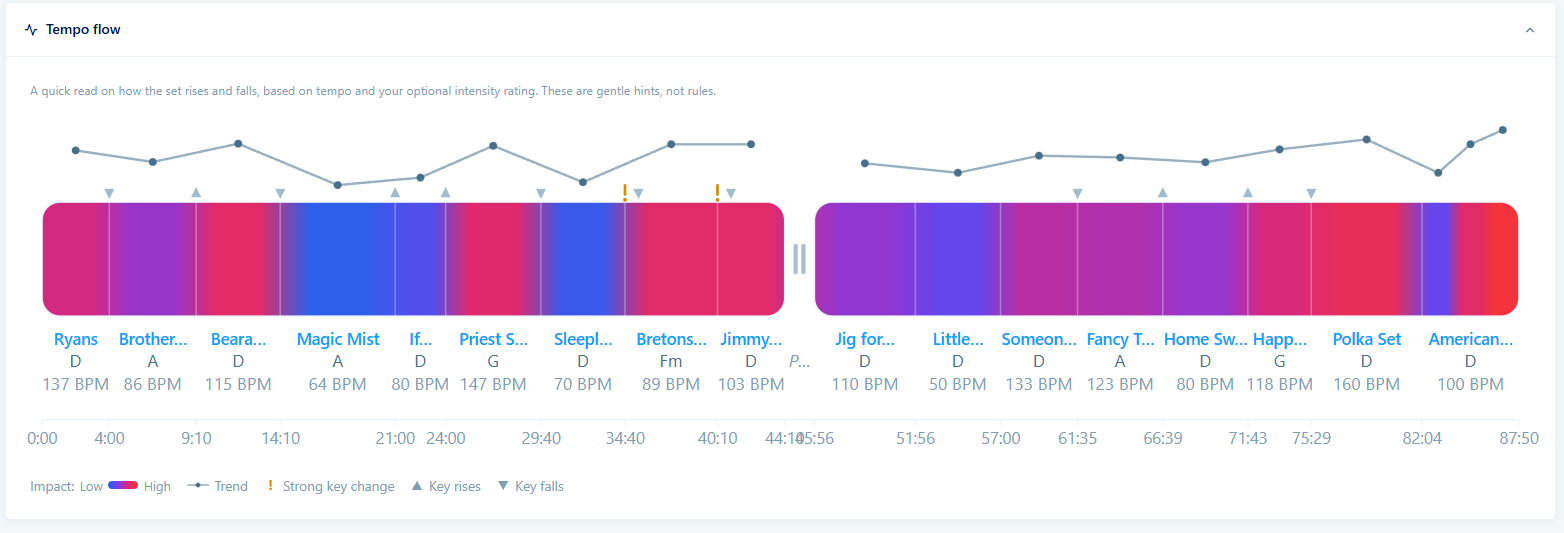
If you enter your song details such as tempo, key, danceability and so on for every song, you can see the flow of your setlist in the flow chart. You can see whether the night sags in the middle.
How it works
- Create a new setlist and give it a name.
- Click songs from your library to add them. The same song can appear more than once.
- Drag them into the right order. Insert breaks where needed.
- Check the total duration and change it until it fits the slot.
- Export as PDF or Word, or just let your band access it directly in the app.
Export Options
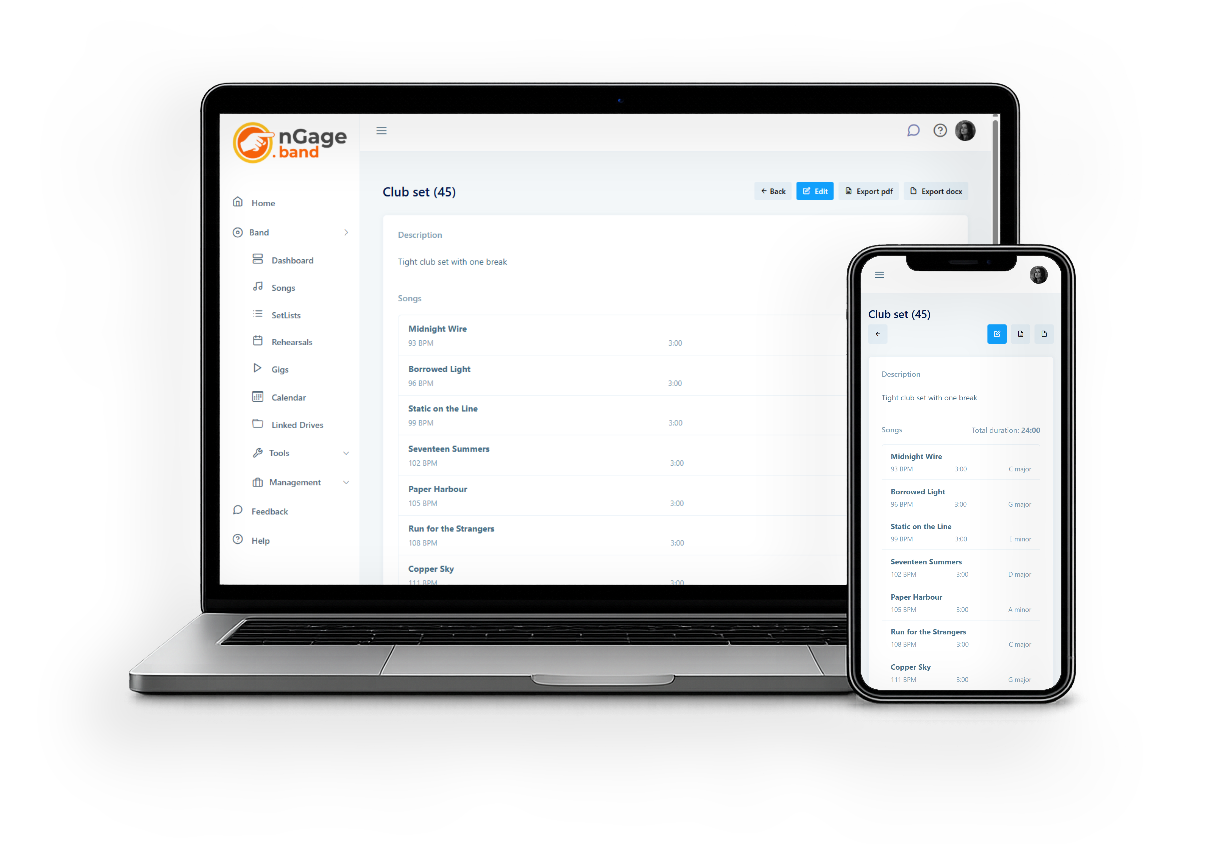
The export includes song titles, keys, tempos, durations and breaks. PDF if you want to print it for the stage. Word if you want to change the layout yourself.
Breaks and Flow
Add labelled breaks anywhere in the setlist. They appear in the overview and in the export, so the whole band knows the flow of the evening.
Notes
Add notes for the whole performance: stage cues, something about this venue, whatever the band needs before they go on.
Duplicate
Need a variation of an existing setlist? Duplicate it in one click. The copy includes the same songs, order, and breaks. Edit it from there.
Ready to get your band organised?
Try nGage.band free for 30 days. Every feature included, for your whole band.