
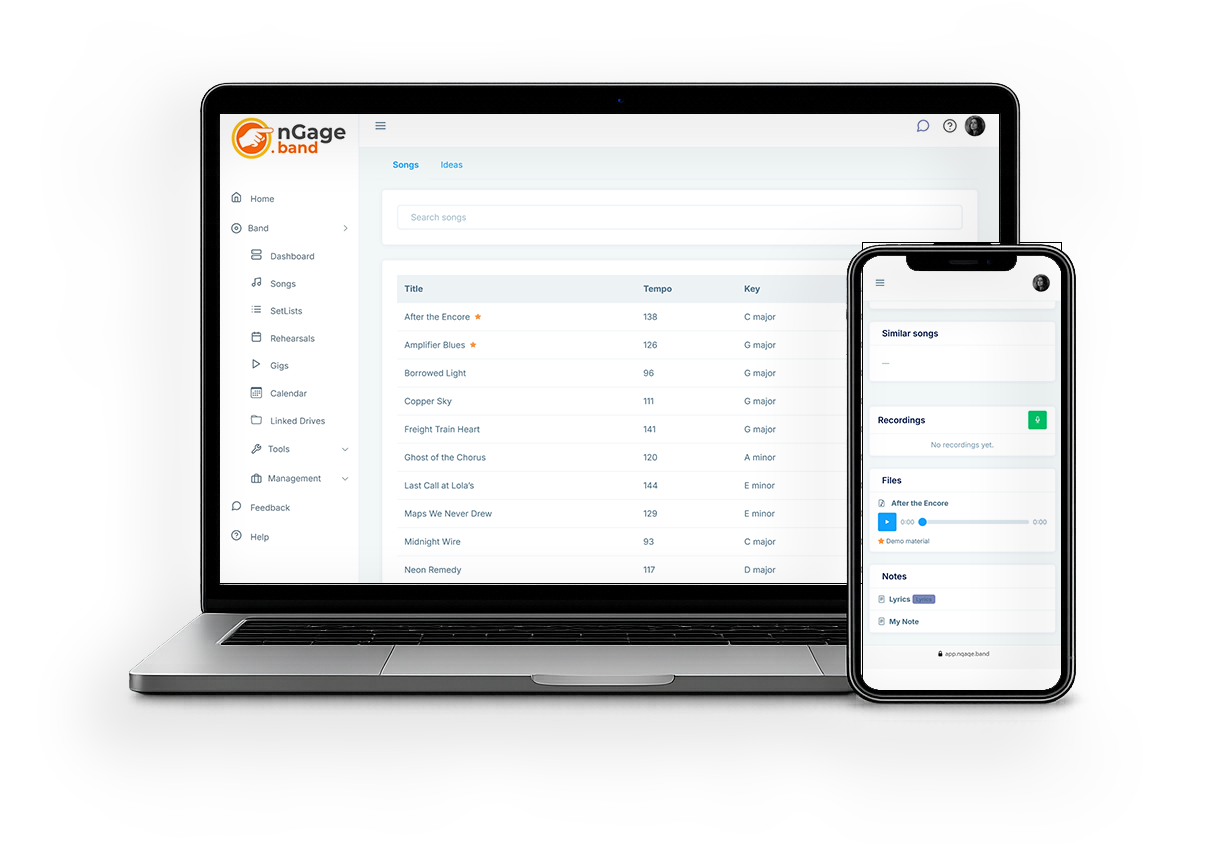
We’ve shipped a round of updates aimed at playing, finding songs, and moving around the app.
Here’s what’s new:
- A menu that follows how a band actually works. The sidebar is grouped: Music (songs, setlists, rehearsals), Bookings (gigs, contacts, contracts, invoices, riders), Communication, Organisation, and Tools. Same modules, easier to find.
- Chord charts as part of the song. Each song has a place for its chart: upload a PDF or image, bring in an iReal chart, or keep the one you generated from a recording. From the song list you can open the chart when the song has one.
- Search the list as you type. Songs, Learn list, Ideas and Library filter while you type. Accents and punctuation don’t get in the way.
- Play the set. Open a setlist — or a gig’s setlist — and Play puts the charts fullscreen for the stage. Swipe or use the arrows to turn the page; on a tablet in landscape you get two pages side by side. Change the key to transpose for your instrument.
Log in and have a look. The menu is the first thing you’ll notice.