



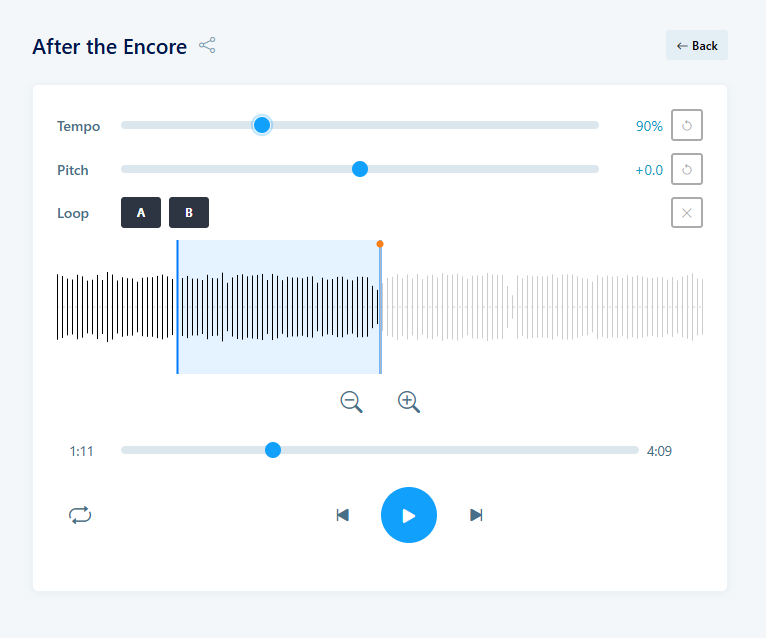
We made a new feature in the Songs module: You can now right-click on any audio file on the Songs view or edit page and select 'Practise'.
You'll be taken to the practise page, where you can play the audio file, change the tempo and pitch, and select a portion of the track to create a loop.
An easy way to dive deeper into the specifics of the tune and practise along in your own tempo!