



Band
Your band. Your members. Your rules.
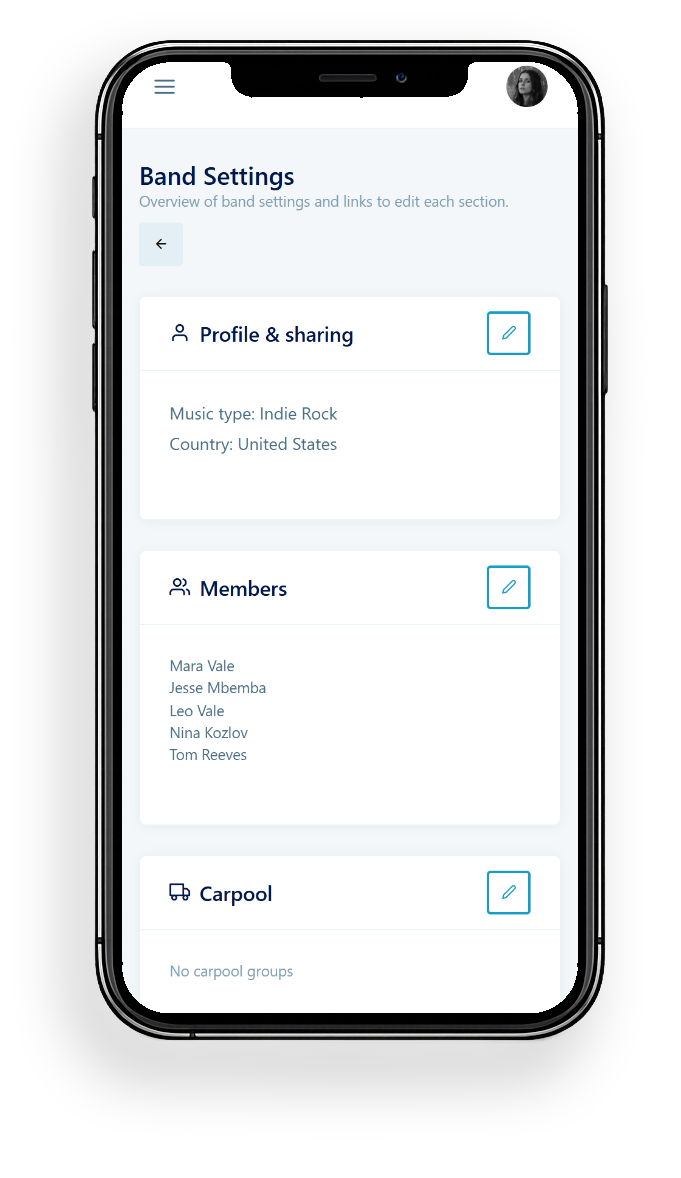
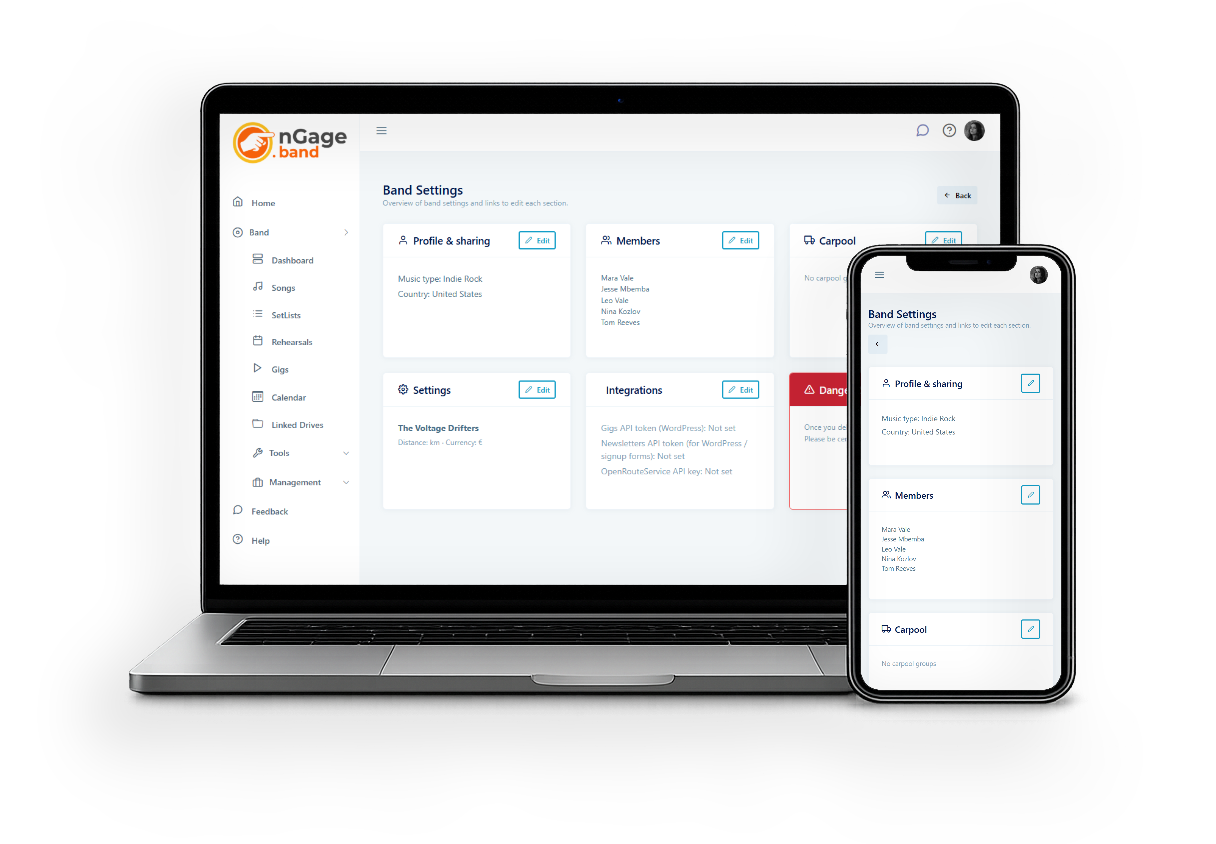
Everything in nGage.band revolves around your band. The Bands module is where you set it all up: add members, set permissions, configure carpool groups, and manage your band's settings.
One account can hold multiple bands. Switch between them in one click.

What it does
Manage members
Invite bandmates by email. Set exactly what each member can see and do — per module. A sound engineer doesn't need to see the finances. A new member doesn't need to delete songs.
Multiple bands under one account
Playing in more than one band? Add them all. Each band has its own songs, gigs, members, and settings. Switch between them from the top of the screen.
Carpool groups
Organise transportation for gigs. Create groups with start addresses, assign members, and nGage will use these to automatically calculate travel costs when you plan a performance.
Travel and financial settings
Set your distance unit (km or miles), currency, and cost per km. These feed directly into the Gigs module for automatic travel cost calculations.
How it works
- Create a band and give it a name.
- Invite members by email — they get added immediately if they already have an account.
- Set permissions per member: who can view, edit, or delete what.
- Set up carpool groups with start addresses for automatic travel calculations.
- Configure your currency, cost per km, and other settings once — they apply to all gigs.
Member permissions
Each band member can have different permissions per module. View, edit, delete — set them individually. Band owners always have full access and can assign any permissions they themselves have.
Multiple bands
One nGage.band account can hold multiple band projects. Each band is completely separate — its own songs, gigs, members, and settings. Switch between them using the band selector at the top of the screen.
Carpool groups
Create groups with a name, a start address, and assigned members. When you calculate travel costs for a gig, select which groups and members are traveling and nGage does the rest.