



Gigs
All your gig info in one place. No more chasing details.
Is this gig confirmed or just an option? Where exactly is the venue, and who do you call when you arrive? What's the fee, and who's driving? With nGage.band, every answer is one tap away — for everyone in the band.
The Gigs module keeps your performances organised from first enquiry to load-out.

What it does
Track gig status
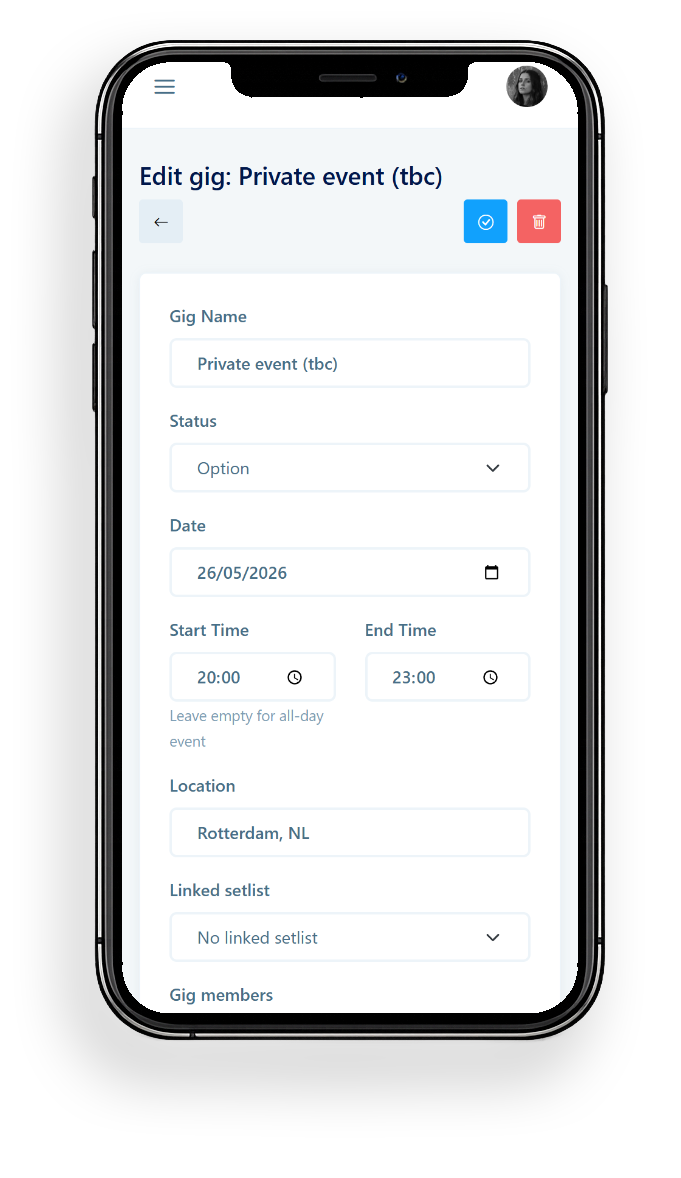
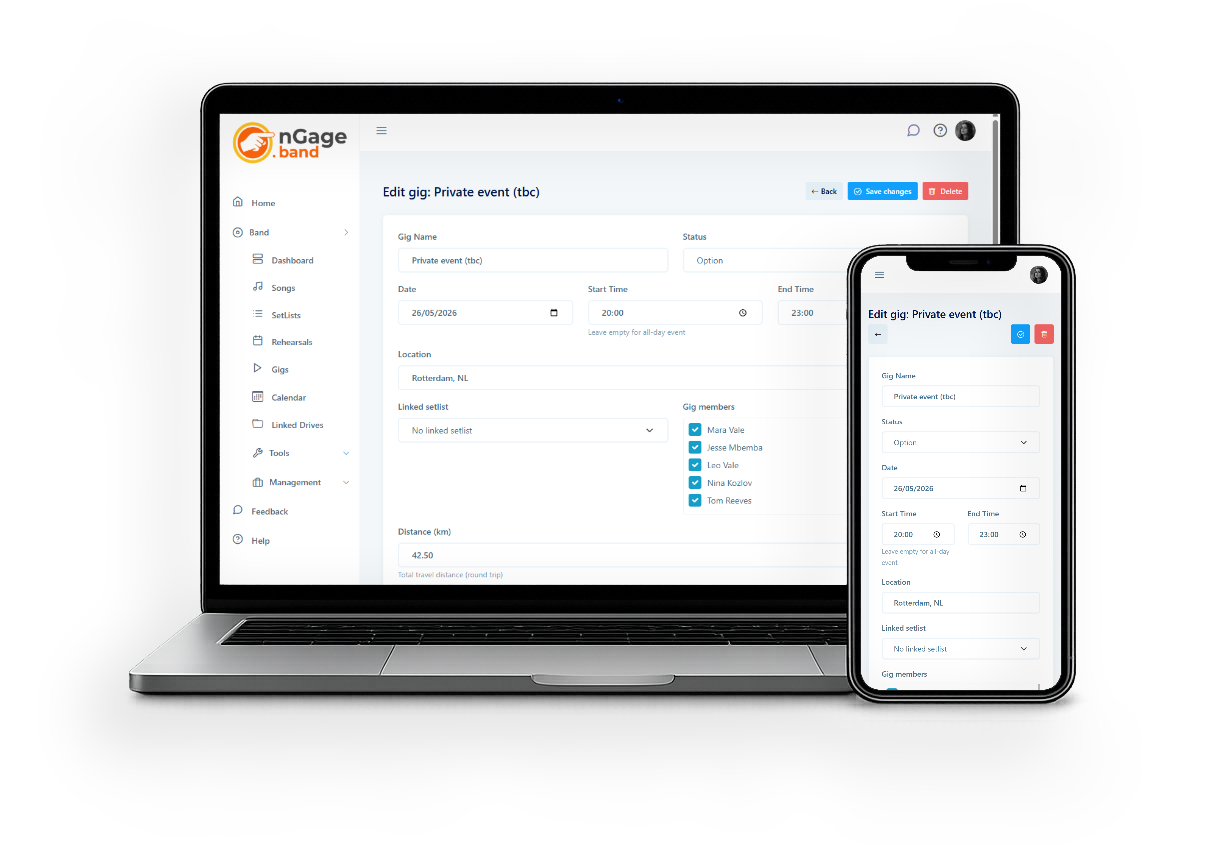
Potential, option, confirmed, or cancelled — everyone always knows exactly where things stand, without having to ask.
Store all the details
Date, time, location, notes, relations — everything in one place, accessible to the whole band.
Calculate travel costs automatically
Set up carpool groups with start addresses. nGage uses OpenRouteService to calculate the distance and travel cost per gig — automatically.
Link venues, bookers, and more
Connect multiple relations to a gig, each with their own role: venue, booker, festival, or impressariaat. Their details are always one click away.
Financial overview
Log the performance fee, travel costs, VAT, and any extra items like accommodation or equipment rental. The financial card totals everything up — visible only to those with permission.
Straight into the calendar
All gigs appear in the band calendar automatically. Use the WordPress plugin to show confirmed gigs on your website too.
How it works
- Add a gig — enter the date, location, and status.
- Update the status as things develop: potential → option → confirmed (or cancelled).
- Link venues and bookers from your Relations, each with their own role.
- Open the distance calculator, select carpool groups, and let nGage calculate travel costs.
- Log the fee and any extras in the financial card. The band sees what they need; finances stay private.
Gig status
A gig moves through clear stages: potential, option, confirmed, cancelled. Update it at any time — the band always knows where things stand.
Financial card
The financial card shows all costs related to a gig: the performance fee, travel costs, VAT (inclusive or exclusive), and any custom items you add. Totals are calculated automatically. The financial card is only visible to band members with explicit permission — so sensitive info stays where it belongs.
Travel cost calculation
Set up carpool groups in your band settings with start addresses and a cost per km. On any gig, open the distance calculator, select which groups and members are traveling, and nGage does the rest. You can also enter costs manually if needed.
Gigs on your website
Use the nGage WordPress plugin or je javascript widget to automatically display your upcoming gigs on your band website. Configure which statuses to show (confirmed, option), and the list updates itself. No manual updates needed.